Free AI image generator
Relancio turns a short written description into a finished image. No software to install, no drawing skills, no credit card: write what you imagine, choose a format, and the AI paints it for you in a few seconds.
How the free AI image generator works
1. Describe your idea
Write a sentence about the subject, the place, the light and the style. The more concrete you are, the closer the result will be to what you have in mind.
2. Choose a format
Square works well for Instagram, landscape for blog headers and YouTube thumbnails, portrait for stories and posters.
3. Download and reuse
Every image is stored in your private gallery. Download it whenever you need it, or delete it in one click.
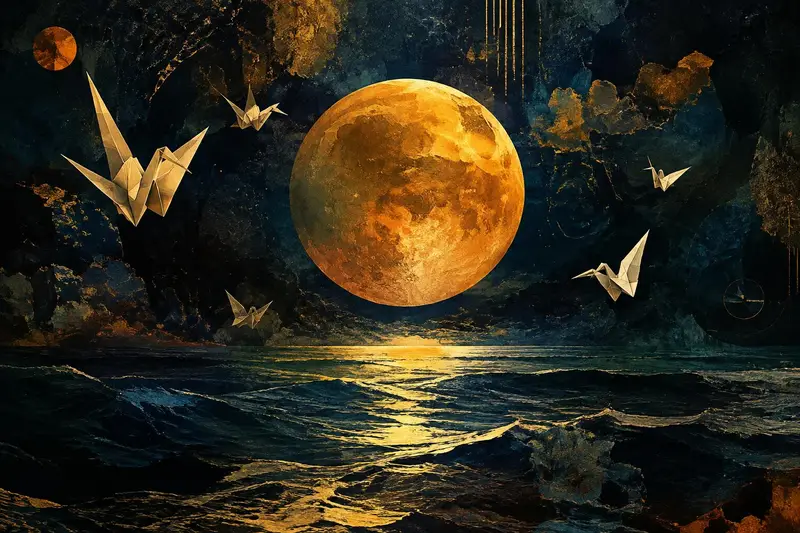
Prompt examples to try
- "A cozy reading nook in a treehouse, warm lamp light, watercolor style"
- "Product photo of a ceramic coffee cup on a marble table, soft morning light"
- "Futuristic Paris street at night, neon reflections in the rain, cinematic"
- "Flat vector illustration of a fox reading a book, pastel colors"
What people create with AI images
Small business owners make visuals for social posts without hiring a photographer. Teachers illustrate lessons. Writers picture their characters and settings. Marketers test several ad concepts in minutes instead of days. Because the generator is free to use, you can experiment freely until the picture feels right.
Want more control over the words you type? Read our guide on how to write AI image prompts, compare options in the best free AI image generators, or learn about free text to image AI.
Frequently asked questions
Is Relancio really a free AI image generator?
Yes. Creating an account and generating images in the Relancio studio costs nothing. You only need an email address or a Google account to sign in, so your gallery stays private.
Can I use the images I generate?
Your images are saved in your personal gallery and can be downloaded as JPG files for posts, presentations, mood boards or personal projects.
Which image sizes are available?
You can pick square (1:1), landscape (3:2) or portrait (2:3), which covers social posts, banners, wallpapers and story formats.
Do I need design skills?
No. You describe the scene in plain words and the AI does the drawing. Adding style, light and mood details gives you more control.